

You’ve spent hours writing an article, choosing images, and making your website look presentable.
Then someone visits your page.
A few moments later, they’re gone.
It’s frustrating, especially when you’re trying to grow a new blog or online business.
But here’s something worth remembering: not every visitor who leaves quickly had a bad experience.
Some people find exactly what they need and move on. Others leave because a page loads slowly, looks confusing, or doesn’t answer their question.
If you’re wondering how to improve user engagement on a website, the goal isn’t simply to make people stay longer.
It’s to make their visit more useful.
Here are practical ways to do that without expensive software.
Affiliate Disclosure: This article contains affiliate links. If you join Wealthy Affiliate through one of my links, I may earn a commission at no additional cost to you. I recommend only products and services I have personally used or genuinely believe will add value for my readers. All opinions expressed in this review are my own.
What Website Engagement Actually Means
Website engagement describes how people interact with your content.
Depending on your website and analytics setup, useful signals may include:
- How long visitors actively engage with a page.
- Whether they explore related content.
- Whether they complete a meaningful action.
- Which pages attract returning visitors.
Google Analytics 4 (GA4) measures engagement differently from older versions of Google Analytics.
A session is considered engaged when it lasts longer than 10 seconds, includes a key event, or has at least two page or screen views.
In GA4, bounce rate is the percentage of sessions that weren’t engaged.
However, a high bounce rate doesn’t automatically mean your website is failing.
Someone might read a short answer, find it helpful, and leave satisfied.
Evaluate engagement based on what each page is supposed to accomplish.
1. Make Your First Screen Immediately Useful
Your first screen is what visitors see before scrolling.
On mobile devices, that space can be limited.
If someone clicks an article promising beginner blogging advice but lands on a large promotional banner, they may struggle to find what they came for.
Start with three essentials:
- A clear headline that matches the topic.
- A short introduction explaining what readers will learn.
- An uncluttered layout that makes the content easy to access.
Avoid unnecessary pop-ups, oversized decorative images, and confusing navigation.
Try a simple test.
Open your website on a phone and ask someone unfamiliar with it what the page is about.
If they can’t identify the topic quickly, consider improving your headline and introduction.
2. Improve Website Speed and Mobile Usability
Slow pages can frustrate visitors before they reach your content.
Google’s free PageSpeed Insights tool can help identify performance issues.
It provides diagnostic information and, where available, real-user performance data.
Common opportunities include:
Oversized images: Resize and compress images appropriately. Modern formats such as WebP or AVIF can help when supported.
Unnecessary plugins: Review WordPress plugins and remove those you don’t need.
Heavy third-party content: Ads, social feeds, and embedded videos can add loading delays.
Poor caching: Appropriate caching can improve performance, although the best setup depends on your hosting and website configuration.
Also test your website on a real phone.
Check whether text is readable, buttons are easy to tap, and content fits the screen without awkward horizontal scrolling.
Don’t focus exclusively on a performance score.
A fast website should also be comfortable to use.
3. Make Your Articles Easier to Read
Most readers don’t approach online articles like printed books.
They often scan headings and look for the information that matters to them.
Help them find it.
Use descriptive headings that explain what each section covers.
Keep paragraphs manageable and avoid unnecessarily complicated language.
Use lists when presenting steps, comparisons, or multiple options.
You can also highlight a few important phrases in bold.
But don’t overdo it.
If everything is emphasized, nothing stands out.
Use images that add value.
Screenshots, diagrams, examples, and relevant photographs can make difficult ideas easier to understand.
For example, an article about setting up Google Analytics may benefit more from a clear screenshot than a decorative stock photo.
Add descriptive alternative text when appropriate, and avoid uploading unnecessarily large image files.

4. Give Visitors a Helpful Next Step
What happens when someone finishes reading your article?
If there’s nowhere useful to go, they may leave.
That’s where internal links and clear calls to action become valuable.
Suppose someone reads your guide about finding blog post ideas.
You could naturally direct them to another article about creating a content calendar.
The second article answers a logical follow-up question.
That’s more useful than sending them to an unrelated post.
You can also offer a relevant action, such as:
- Reading a related tutorial.
- Downloading a checklist.
- Subscribing to a newsletter.
- Exploring a product comparison.
Choose the action that makes sense for the page.
Avoid overwhelming readers with multiple competing promotions.
Want to make your blog more useful and easier to navigate? Explore EasyMonitize for beginner-friendly guides on blogging, SEO, and growing your website.
5. Add Content That Encourages Meaningful Interaction
Keeping visitors engaged doesn’t mean forcing them to click more buttons.
It means giving them useful ways to interact with your content.
For example:
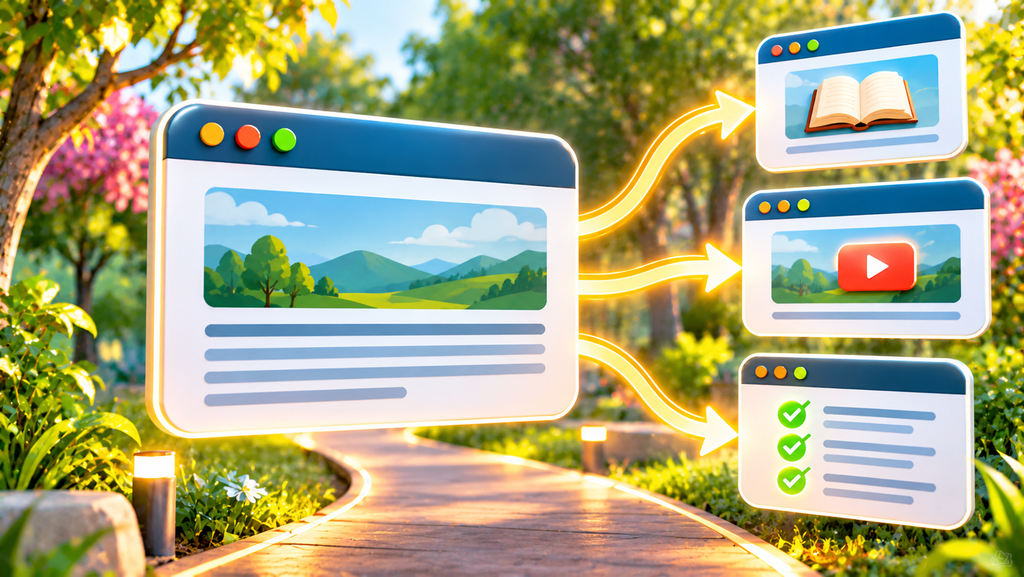
Related articles: Recommend genuinely connected topics that answer the reader’s next question.
Short videos: Demonstrate a process that’s difficult to explain through text alone.
Checklists: Help readers complete steps or evaluate their progress.
Comparison tables: Make differences between products or services easier to understand.
Simple calculators: Help visitors work through a relevant decision.
You don’t need every feature.
Start with the one that makes your content easier to use.
Also consider the performance and accessibility impact of interactive elements before adding them.
6. Give Readers a Reason to Return
Not everyone will subscribe, purchase, or explore another page during their first visit.
That’s normal.
Instead of chasing immediate conversions, focus on giving people reasons to remember your website.
You might publish a useful article series, maintain an accurate resource guide, or offer an occasional email newsletter.
If you collect email addresses, clearly explain what subscribers will receive and follow applicable privacy and email-marketing requirements.
Updating existing content can help, too.
Correct outdated instructions, replace broken references, and revise information when products or policies change.
Use a visible updated date only when the article has genuinely been updated.
The goal is to build a website readers can rely on.
7. Use Free Analytics Tools to Find Problem Pages
You don’t have to improve your entire website at once.
Start with one page.
Step 1: Check Google Analytics 4
Open your website’s page-level reports and look for pages receiving meaningful traffic.
Review available metrics such as views, average engagement time, and key events.
Report names and navigation can vary depending on your GA4 configuration.
Step 2: Check Google Search Console
Look at the search queries and pages bringing visitors from Google Search.
Ask whether the article answers the questions those visitors are likely asking.
Remember that Search Console reports search performance, not what visitors do after arriving.
Step 3: Test the page yourself
Open the page on mobile.
Check its loading experience, headline, layout, readability, and next steps.
Step 4: Make one meaningful improvement
For example, replace an unclear introduction or improve an oversized image.
Record what you changed.
Step 5: Measure again
After collecting enough comparable data, review the results.
Look beyond engagement time alone.
Did more visitors complete the intended action? Did the page become easier to use?
For additional insight, Microsoft Clarity offers heatmaps and session recordings, subject to its current terms and applicable privacy requirements.
Use these tools responsibly and avoid collecting sensitive information unnecessarily.
8. Avoid These Website Engagement Mistakes
Trying to keep everyone on the page longer: A quick, helpful answer can be a successful experience.
Adding pop-ups everywhere: Interruptions may make content harder to access.
Using decorative images excessively: Visuals should support the article rather than slow it down.
Linking to unrelated content: Internal links should help readers continue learning.
Changing everything at once: Smaller, documented improvements make results easier to interpret.
Ignoring mobile visitors: Always check the experience on smaller screens.
Expecting instant results: Engagement data can fluctuate, especially when traffic is limited.
Frequently Asked Questions
Why do visitors leave my website so quickly?
Possible reasons include slow loading, confusing layouts, irrelevant content, poor mobile usability, or simply finding the answer they needed.
How can I keep visitors on my website longer?
Improve readability, answer search intent, offer useful related content, and remove unnecessary obstacles. Prioritize visitor satisfaction over time spent.
What is a good bounce rate in GA4?
There isn’t one universal target. Interpret bounce rate alongside page purpose, traffic sources, engagement, and meaningful actions.
Can I improve website engagement for free?
Yes. You can start with free versions of tools such as GA4, Google Search Console, PageSpeed Insights, and Microsoft Clarity, along with improvements to your content and website design.
Final Thoughts
Improving website engagement isn’t about tricking people into staying.
It’s about helping them find what they came for.
Make your first screen clear, improve mobile usability, write easy-to-navigate content, and offer relevant next steps.
Then use analytics to identify where improvements will help most.
Start with one page, make a thoughtful change, and learn from the results.
Ready to create a better experience for your readers? Visit EasyMonitize for practical guides on blogging, SEO, and website improvement.