
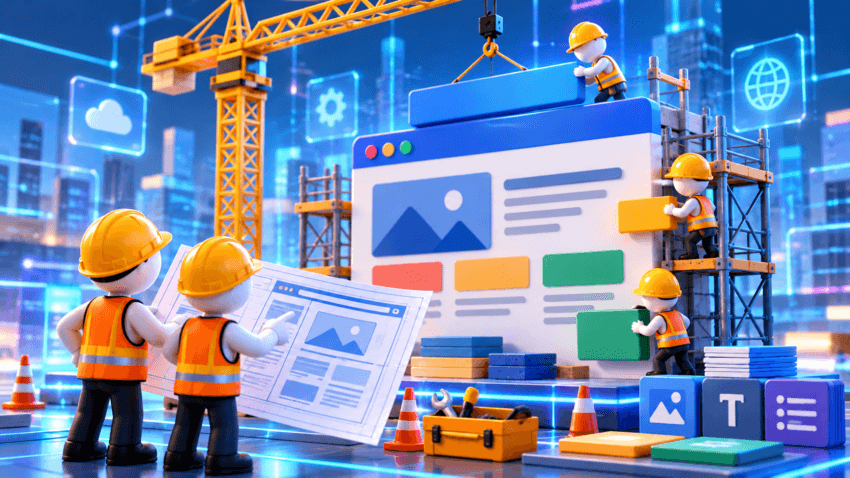
Want to build your first website but don’t know how to code?
You might think you need a web developer, expensive software, or weeks of technical training. Fortunately, that’s no longer the case.
Today, beginner-friendly website builders let you create and publish simple websites without writing code. Some even offer free plans.
But here’s something worth knowing: building a website is usually easier than deciding what to put on it.
This guide walks you through how to build your first website, from choosing a platform to publishing your pages, without spending money before you need to.
Affiliate Disclosure: This article contains affiliate links. If you join Wealthy Affiliate through one of my links, I may earn a commission at no additional cost to you. I recommend only products and services I have personally used or genuinely believe will add value for my readers. All opinions expressed in this review are my own.
Step 1: Decide What Your Website Is For
Before comparing website builders, ask yourself one question:
What do I want visitors to do when they arrive?
Maybe you want them to read your blog, contact you about a service, subscribe to your newsletter, or explore products you recommend.
Choose one primary goal.
Then identify your audience and the information they need.
For example, a freelance writer might need a portfolio and contact page. A beginner blogger might focus on helpful articles and an About page.
You don’t need every feature on day one.
A clear purpose helps you avoid spending time building pages you won’t use.
Step 2: Choose a Free No-Code Website Builder
A no-code website builder provides templates and editing tools that let you create pages visually.
You add text, upload images, arrange sections, and publish without programming.
Popular options include:
WordPress.com
Useful for beginners interested in blogging and publishing articles regularly.
It offers a hosted website experience, although certain customization options and features depend on the plan.
Don’t confuse WordPress.com with self-hosted WordPress software, which requires you to arrange your own hosting.
Wix
Offers visual editing tools and website templates suitable for portfolios, personal websites, and small business pages.
Its free offering has limitations, including platform branding and restrictions on certain features.
Google Sites
A relatively straightforward option for basic informational websites.
It works for simple projects, though its design flexibility and business features are more limited than those of some dedicated website builders.
How should you choose?
Look for a platform that:
- Lets you publish a website without paying.
- Has an editor you find easy to understand.
- Supports the type of content you plan to create.
- Allows you to add important features later.
- Provides a reasonable way to move or export your content if needed.
Free-plan features and restrictions can change, so check the provider’s current terms before committing.
Step 3: Understand What Free Website Plans Include
Can you really create a website for free?
Yes, but free doesn’t always mean unrestricted.
Depending on the provider, a free plan may include website templates, basic hosting, and a platform-provided web address.
However, limitations may include:
- A web address containing the builder’s name.
- Platform advertisements or branding.
- Restricted storage or customization.
- Limited e-commerce or marketing features.
- Fewer support options.
For example, your free website address might resemble:
yourbusiness.examplebuilder.com
A free plan can be perfectly reasonable for learning, testing an idea, or publishing your first articles.
Consider upgrading when a specific limitation starts affecting your goals.
Step 4: Choose Your Website Name and Domain
Your domain name is the address people use to find your website.
Ideally, it should be short, memorable, and easy to spell.
Before choosing one, consider whether the name:
- Matches your website’s purpose.
- Is easy to pronounce and remember.
- Could still work if your content expands.
- Is already associated with another business or trademark.
A .com domain is familiar to many users, but other extensions can work just as well depending on your audience and purpose.
Do you need to buy a domain immediately?
Not necessarily.
You can start with a free platform-provided address and purchase a custom domain later.
Remember that custom domains generally involve registration and renewal fees, and connecting one may require a paid website plan.
Step 5: Create the Essential Pages
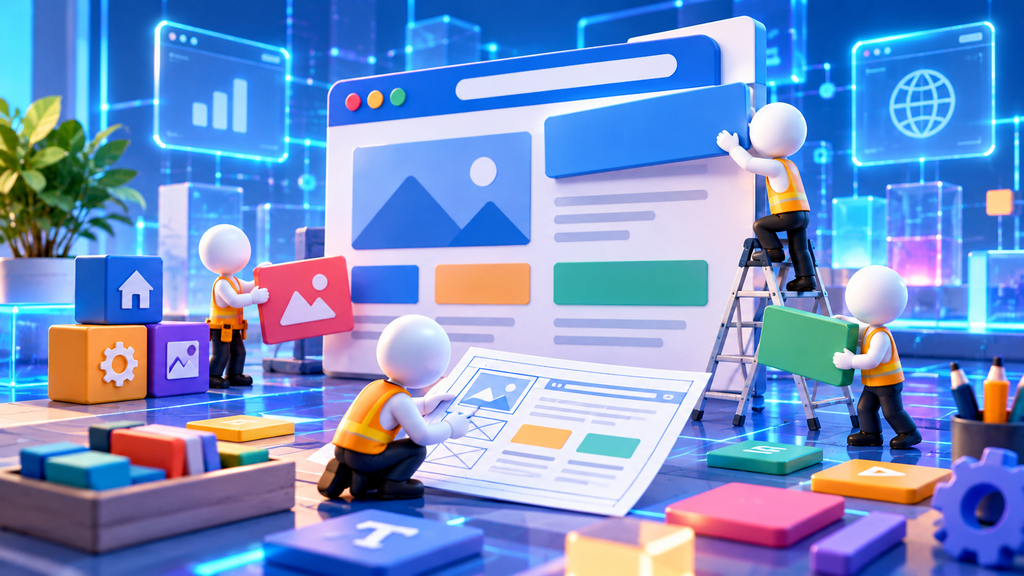
You don’t need a large website to get started.
For many beginner projects, these are the most useful pages.
Homepage
Explain what your website offers, who it’s for, and what visitors should do next.
Keep your headline clear and your navigation simple.
About Page
Introduce yourself, your business, or the purpose behind your website.
You don’t need to exaggerate your experience. Explain what readers can expect and why you’re creating the site.
Main Content or Services Page
This depends on your website.
A blogger might start with a blog page and a few useful articles. A freelancer might create a services or portfolio page.
Focus on content that helps visitors understand what you offer.
Contact Page
Provide a practical way for visitors to reach you.
That could be a contact form or a dedicated email address.
Privacy and Disclosure Information
If your website collects personal information, uses tracking technologies, or promotes affiliate products, you may need privacy notices, consent mechanisms, or advertising disclosures.
Requirements depend on your location, audience, and what your website does.
Not every site needs the same legal pages, but you should understand your obligations before collecting information.
Beginner tip: Publish the pages your website actually needs. Five pages can be a useful starting structure, but they’re not a universal requirement.
Step 6: Make Your Website Look Professional
You don’t need to be a designer to create an attractive website.
Start with a clean template and focus on readability.
A few simple principles can make a noticeable difference.
Keep colors consistent. Choose a small color palette that works well together.
Use readable fonts. Avoid decorative text that’s difficult to read, especially on phones.
Leave enough space. Crowded pages make information harder to follow.
Use relevant images. Choose visuals that support your content, and make sure you have permission to use them.
Make navigation simple. Visitors shouldn’t have to guess where to find information.
Don’t spend weeks adjusting minor design details.
A simple, functional website is more useful than an elaborate one that never gets published.
Step 7: Make Your Website Mobile-Friendly

Before publishing, open your website on a smartphone.
Check whether:
- Text is readable without zooming.
- Buttons and links are easy to tap.
- Images fit properly on the screen.
- Menus work correctly.
- Contact forms can be submitted.
- Pages load reasonably quickly.
Most modern builders offer responsive templates, but that doesn’t guarantee every page will look right.
Test the actual published version whenever possible.
Also consider accessibility: use descriptive link text, meaningful image alt text, and sufficient contrast between text and backgrounds.
Step 8: Learn Basic SEO Before Launching
Search engine optimization, or SEO, helps search engines understand your website and makes your content easier for people to discover.
You don’t need advanced SEO knowledge to begin.
Focus on these basics:
Write clear page titles. Describe what each page offers using natural language.
Organize content with headings. Make your pages easy to scan.
Use descriptive URLs. Short, meaningful page addresses help visitors understand what they’re opening.
Add useful alt text. Describe meaningful images for people who use screen readers.
Create genuinely helpful content. Answer the questions your intended audience is asking.
You can also set up Google Search Console, a free service that helps you monitor your site’s presence in Google Search.
Submitting a sitemap or requesting indexing can help Google discover pages, but neither guarantees indexing or rankings.
SEO is an ongoing process, not a one-time launch task.
Planning to turn your website into a blog? Explore EasyMonitize’s beginner’s guide to starting a blog for practical next steps.
Step 9: Test Everything and Publish
Before launching, take a few minutes to review your website.
Check every important page, navigation link, and form.
Read your content for spelling mistakes, confusing explanations, and unsupported claims.
Make sure visitors can understand what your website offers and how to contact you.
Then publish.
Your first website doesn’t have to be perfect.
You can improve it as you gain experience and learn what visitors need.
When Should You Upgrade From a Free Website?
There’s no reason to upgrade simply because a paid plan looks more professional.
Consider paying when you need something your free plan doesn’t provide.
That might include a custom domain, additional storage, e-commerce functionality, advanced customization, or particular marketing tools.
Before upgrading, compare the features, renewal prices, cancellation terms, and migration options.
Spend money to solve a real limitation, not just because you feel your website should cost something.
Common Website-Building Mistakes to Avoid
Beginners often make the process harder than it needs to be.
Choosing a platform before defining a goal. You may end up paying for features you don’t need.
Overdesigning the homepage. A clear message matters more than complicated animations.
Ignoring mobile visitors. A website that looks great on a computer can still be difficult to use on a phone.
Publishing without testing. Broken links and forms can frustrate visitors.
Expecting instant Google traffic. Search visibility takes work, and results aren’t guaranteed.
Forgetting ongoing maintenance. Websites need occasional content updates, security checks, and reviews of their tools and settings.
Frequently Asked Questions
Can I build a website without coding?
Yes. No-code website builders let beginners create and publish websites with templates and visual editing tools.
Can I create a website completely free?
Some platforms offer free publishing plans. However, custom domains, advanced features, and certain business tools may require payment.
Do I need a domain name to start?
No. Many free builders provide a platform-based web address you can use while learning.
How long does it take to build a first website?
A simple website may take a few hours to several days, depending on your content and how familiar you are with the builder. More complex projects can take longer.
Can a free website appear on Google?
Yes, search engines can index free websites if they’re accessible and meet the relevant technical requirements. Indexing and rankings aren’t guaranteed.
Final Thoughts: Build Something Simple and Get It Online
Building your first website doesn’t have to be expensive or complicated.
Start with a clear purpose, choose a beginner-friendly builder, create the pages you need, and make sure everything works.
You can always improve the design, add features, or move to a paid plan later.
The important part is getting started with something useful.
Not sure what to build your website around? Read EasyMonitize’s Online Business Ideas for Beginners for practical ideas you can explore with a small budget.